

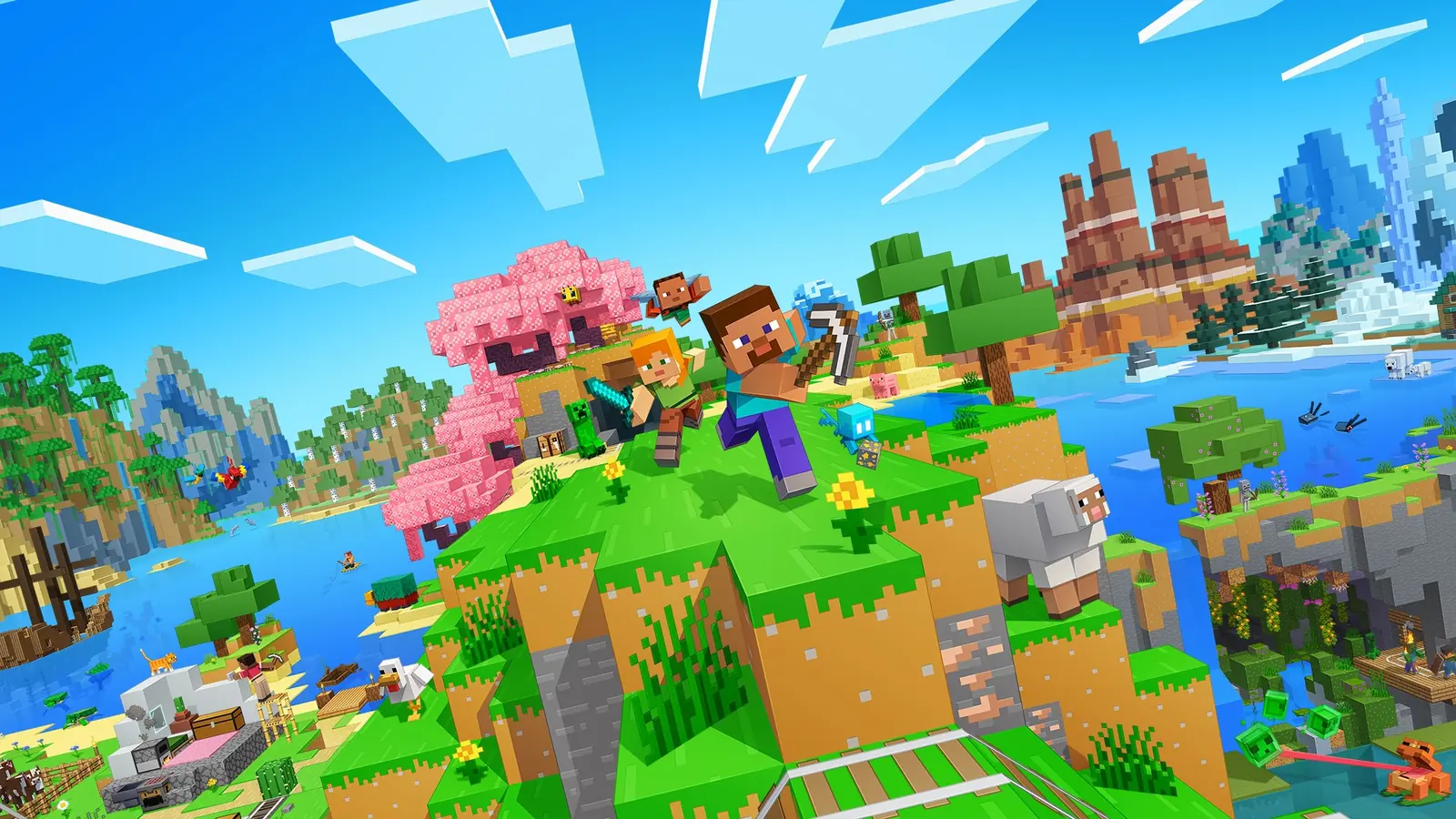
FTB Skies Server Hosting
FTB Skies Hosting skyblock, automated
Host FTB Skies on Forge 1.19.2 — or Skies Expert and Skies 2 — in Frankfurt, installed with FTB's own server installer, sized from FTB's RAM figures and protected by multi-Tbps Anti-DDoS.
Minecraft server plans from €13.00 per month
- DDoS protected
- One-click install
- RAM to spare
13 Tbps+Anti-DDoS filtered
FrankfurtLow-latency EU
NVMeSSD storage
24/7In-house support
Everything your FTB Skies server needs
FTB Skies is a quest-and-event skyblock from the FTB team, with its own server installer and published RAM figures for each version.
FTB Skies is Feed The Beast's skyblock pack for Minecraft 1.19.2 on Forge, first released in April 2023 and now on version 1.9.1. You start on floating islands, pull resources out of Create sifting, and follow the quest book and FTB's in-game events as you expand. FTB lists Java 17 with 4 GB minimum and 6 GB recommended memory.
Two relatives share the name. FTB Skies Expert, also on 1.19.2, starts you on seven islands with scarce resources and adds Ad Astra. FTB Skies 2 moved to Minecraft 1.21.1 on NeoForge, with more than 1,000 quests and three resource paths — Crystalmancy, Cultivation and Prospecting — and FTB raises its figures to Java 21, 6 GB minimum and 8 GB recommended.
FTB packs are installed with the FTB server installer: download the build for the pack version, make it executable and run it. It fetches the right Java and creates run.sh and run.bat, and memory is set by editing -Xmx and -Xms in those scripts. For hosting it also runs unattended with flags such as -auto, -pack and -version.
Your FTB Skies server runs on high-clock CPUs and NVMe SSDs in Frankfurt, with multi-Tbps Anti-DDoS and 24/7 in-house support.
FTB server installer
The official FTB installer sets up the exact pack version, the mod loader and Java. We use the same process, so your server matches the FTB App.
Sized from FTB's figures
FTB lists 6 GB recommended for Skies and Skies Expert, and 8 GB for Skies 2. Plans start there, with room to grow.
Java 17 or 21
Skies and Skies Expert run on Java 17 (Forge 1.19.2); Skies 2 needs Java 21 (NeoForge 1.21.1).
Islands and events
Skies builds on floating islands, Create sifting and FTB's event system, so a shared server keeps every player's island progressing.
Memory in run.sh
FTB servers set memory through -Xmx and -Xms in run.sh or run.bat. Change it from the panel after upgrading your plan.
Always online
Multi-Tbps filtering in Frankfurt protects shared islands around the clock.
Built for FTB Skies players, not just servers
Hardware, network and protection tuned for game hosting — hosted in one of Europe's best-connected data centres.
Multi-Tbps Anti-DDoS
Every server is filtered through our own 13 Tbps+ Frankfurt network and custom XDP layer — attacks are absorbed before they reach you. Learn more →
Instant setup
Your FTB Skies server is deployed automatically right after checkout — online in minutes, not hours.
Low EU latency
Frankfurt is the heart of European networking. Players across the EU get a stable, low ping for smooth gameplay.
Easy control panel
Start, stop, restart, edit configs, install mods/plugins and manage files from a clean web panel — no Linux knowledge needed.
High-clock CPUs + NVMe
Game servers love fast single-core performance. Our nodes run high-clock CPUs with NVMe SSDs for quick world loads.
24/7 in-house support
Real people who host games for a living — not a generic call centre. We help you get set up and stay online.
How to make a FTB Skies server
From zero to online in four steps — no technical experience required.
Choose Skies, Expert or Skies 2
Skies and Expert are on Forge 1.19.2; Skies 2 is on NeoForge 1.21.1 and wants a little more RAM.
Run the FTB server installer
Use the one-click install, or download serverinstaller for your pack version from feed-the-beast.com and run it.
Set memory and start
Edit -Xmx in run.sh to match your plan, accept the EULA and start the server.
Invite from the FTB App
Players install the same pack and version through the FTB App or CurseForge, then join.
How much server do you need?
Not sure which plan fits? Here's a quick guide for a FTB Skies server — and you can always upgrade RAM and slots instantly as you grow.
Minecraft server plans from €13.00 per month.
-
Starter
6 GBRAM
2–4 players
FTB's recommended 6 GB for Skies and Skies Expert.
-
Community
8 GBRAM
5–8 players
More islands and automation — and FTB's recommendation for Skies 2.
-
Power
10 GB+RAM
10+ players
Large groups running many automated islands at once.
The Skies family
FTB Skies versions and their requirements
As listed on feed-the-beast.com, September 2026:
- FTB Skies: Forge 1.19.2, Java 17, 4 GB min / 6 GB rec
- FTB Skies Expert: Forge 1.19.2, Java 17, 4 / 6 GB
- FTB Skies 2: NeoForge 1.21.1, Java 21, 6 / 8 GB
- Server installer for Windows, macOS and Linux
- Unattended flags: -auto, -pack, -version
FTB Skies is a top DDoS target — you're covered
Game servers are the #1 target for DDoS attacks. Every ESAGAMES FTB Skies server sits behind our multi-Tbps filtering and custom in-house XDP mitigation, engineered to absorb modern botnets like AISURU and keep you online during raids, rivalries and events.
How our protection worksFTB Skies hosting questions, answered
How much RAM does an FTB Skies server need?
FTB lists 4 GB minimum and 6 GB recommended for FTB Skies. For a server that means 6 GB for two to four players, 8 GB for five to eight, and 10 GB or more for larger groups. FTB Skies 2 starts higher, at 6 GB minimum and 8 GB recommended.
Which Minecraft and Java version does FTB Skies use?
FTB Skies and FTB Skies Expert run Minecraft 1.19.2 on Forge with Java 17. FTB Skies 2 runs 1.21.1 on NeoForge with Java 21.
How do I install an FTB Skies server?
Download the FTB server installer for your pack version, make it executable and run it. It installs the loader and Java and creates run.sh and run.bat; set memory in those scripts and start the server.
What is the difference between FTB Skies, Skies Expert and Skies 2?
Skies is the original 1.19.2 island pack with Create sifting and FTB events. Skies Expert starts on seven islands with scarcer resources and Ad Astra. Skies 2 moves to 1.21.1 with 1,000+ quests and three resource paths.
How many players can an FTB Skies server hold?
Five to eight players run comfortably on 8 GB. Every island runs its own automation, so the number of active islands matters as much as the number of players.
Do you install FTB Skies for me?
Yes — FTB Skies is a one-click install from the panel. You can also run the official FTB server installer yourself.
Do players need the modpack installed?
Yes, the same pack and version as the server, from the FTB App or CurseForge.
How much does FTB Skies server hosting cost?
A FTB Skies server runs on our Minecraft plans, which start from €13.00 per month with one-click modpack install and Anti-DDoS included. Bigger packs and more players need more RAM, so choose the plan to match.
Helpful FTB Skies guides
Prefer to set it up yourself? These step-by-step guides walk you through it.
Host other games with ESAGAMES
- StoneBlock 3 Hosting
- SkyFactory 5 Hosting
- SkyFactory 4 Hosting
- Vault Hunters Hosting
- Better MC Hosting
- All the Mods 10 Hosting
- RLCraft Hosting
- All the Mods 9 Hosting
- Prominence II RPG Hosting
- GregTech: New Horizons Hosting
- Cobblemon Hosting
- Pixelmon Hosting
- Enigmatica 9 Hosting
- DawnCraft Hosting
- Create: Above and Beyond Hosting
 Minecraft Hosting
Minecraft is a trademark of Mojang Synergies AB / Microsoft. FTB Skies is made by Feed The Beast; every included mod belongs to its own author. ESAGAMES is an independent server host and is not affiliated with, endorsed by or sponsored by Mojang, Microsoft, CurseForge / Overwolf, or any mod or modpack author. You must own a legitimate copy of Minecraft: Java Edition — ESAGAMES provides the server hardware only and does not distribute Minecraft or any modpack.
Launch your FTB Skies server today
Protected, low-latency FTB Skies hosting in Frankfurt — online in minutes with 24/7 support behind you.